
Excel: Practical Pivot Tables for Fast and Flexible Reporting
Recorded Webinar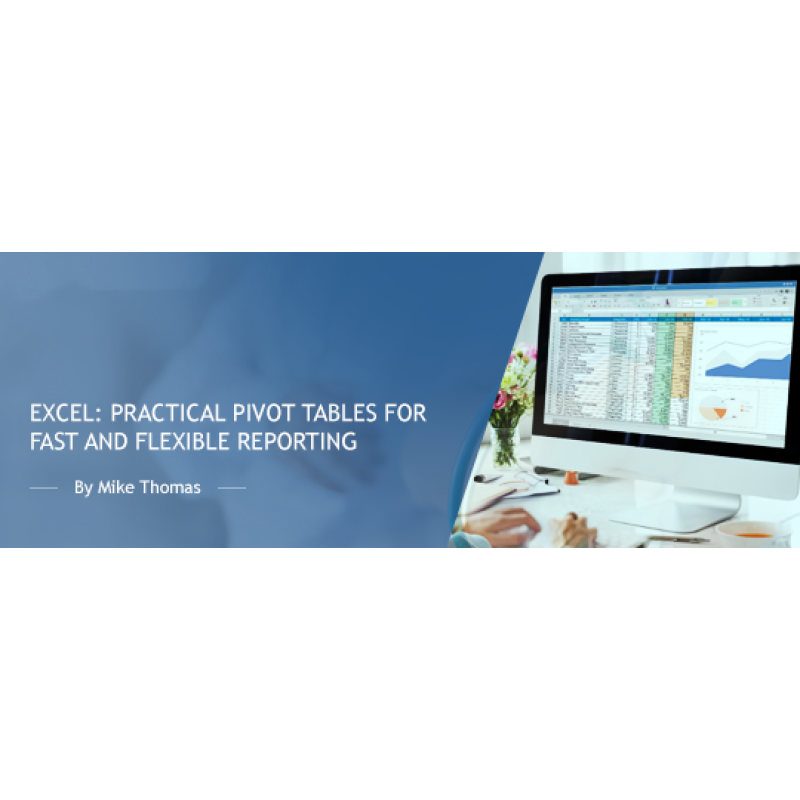
Description
Pivot Tables are one of Excel’s most powerful and misunderstood tools but once you know how to use them, they can transform how you analyse and report on data. In just a few clicks, you can summarise thousands of rows into meaningful, dynamic reports - no formulas required.
This session will show you how to quickly create and customise Pivot Tables to reveal trends, answer questions, and support better decision-making. You’ll also discover how to turn your Pivot Table into a visual dashboard using built-in charting tools, slicers, and layout options.
If you've ever looked at a Pivot Table and thought, “I should really learn that”, this is your moment.
Why you should attend
Manually building summaries and reports from Excel data is time-consuming and error-prone. Pivot Tables eliminate the guesswork, automate the process, and give you instant insights. This session is perfect if you want to save time, reduce complexity, and finally get confident with one of Excel’s most powerful (but underused) features.
Topics covered
- How to structure your source data for best results
- Creating Pivot Tables in just a few clicks
- Summarising data with totals, counts, and percentages
- Formatting your Pivot Table for clarity and impact
- Sorting and filtering with built-in tools and slicers
- Visualising data using Pivot Charts
- Understanding and using (or avoiding) GETPIVOTDATA
Who should attend
This session is for anyone who wants to level up their Excel skills and gain confidence with Pivot Tables. It’s ideal for professionals in admin, finance, HR, operations, or anyone who builds regular reports.
You should be comfortable with basic Excel tasks like entering data, using copy/paste, and applying simple formatting.
The training is delivered using Excel for Windows (Microsoft 365), but most techniques also apply to earlier versions and Excel for Mac.
Webinar Details
- Venue: Recorded Webinar
Speaker:

Mike Thomas
Microsoft Trainer & Solution Developer: Excel, PowerBI & Office
Mike Thomas have worked in the IT training business since 1989 and although he has a subject matter expert in a range of technologies, particularly Mi...
Related Events

Using Artificial Intelligence to Enhance Student S...
In this session, we will examine how AI and indirect measures can be used to better guide assessment..

Excel - Pivot Tables - The Key To Modern Data Anal...
Excel - Pivot Tables - The Key To Modern Data Analysis and Reporting Whether you need to build an..
Excel - Automate Repetitive Tasks with Macros
Imagine the thrill of automating those repetitive Excel tasks that have been draining your productiv..
Upcoming Webinars

Tattoos, Sandals, Yarmulkes, Dress and Appearance:...
From the length of one’s hair, to the number and location of visible tattoos, to recognizing gender ..

Inside an OCR HIPAA Breach Investigation: What Hap...
If your organization is the subject of an OCR breach investigation, you will be required to respond ..

HIPAA and Family Medical History - What to Know
Understanding how HIPAA applies to family medical history is essential for both patients and provide..